It's been a big year at Decisions, and we’re excited to bring you a special December newsletter packed with everything you need to level up for 2026.
We’re recapping five releases users loved in 2025, unveiling two highly-requested new features, and sharing a webinar to help you refresh your Decisions skills for the new year.
Our most impactful releases of 2025
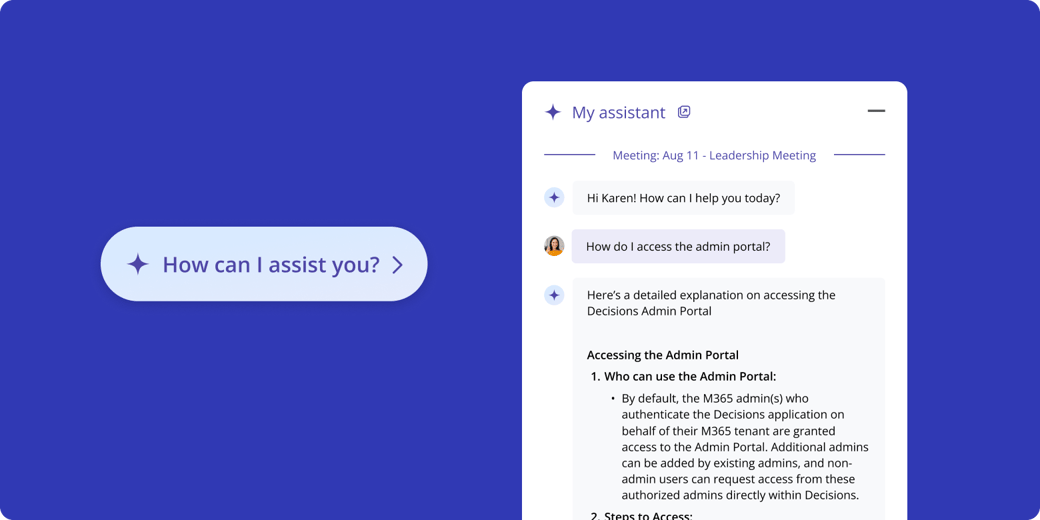
✨ Your personal AI Assistant for every meeting
Receive recaps, product help, daily briefings and more — directly in your Teams chat or the lower right pop-up in Decisions. Try it now →
🧠 AI agendas built from your existing documents
Upload agendas, documents, notes and email threads to generate rich AI agendas in seconds. Try it now →
👥 AI recaps for in-person meetings
Use the Decisions mobile app to record and generate AI recaps for your in-person and ad hoc meetings. (Download for iOS and Android)
🎯 Curated 'Agenda Item Minutes'
Send limited minutes to specific people, sharing only the agenda items that matter to them — not the full meeting minutes. Try it now →
🔰 Advanced governance tools
Get deep visibility into org-wide meeting activity with Advanced Reporting, and get the right sign-offs at the right time with Structured Approvals. Contact us to try them →
Availability depends on your Decisions subscription. Certain features are premium and may require an upgrade.
Two new features straight from your wish list
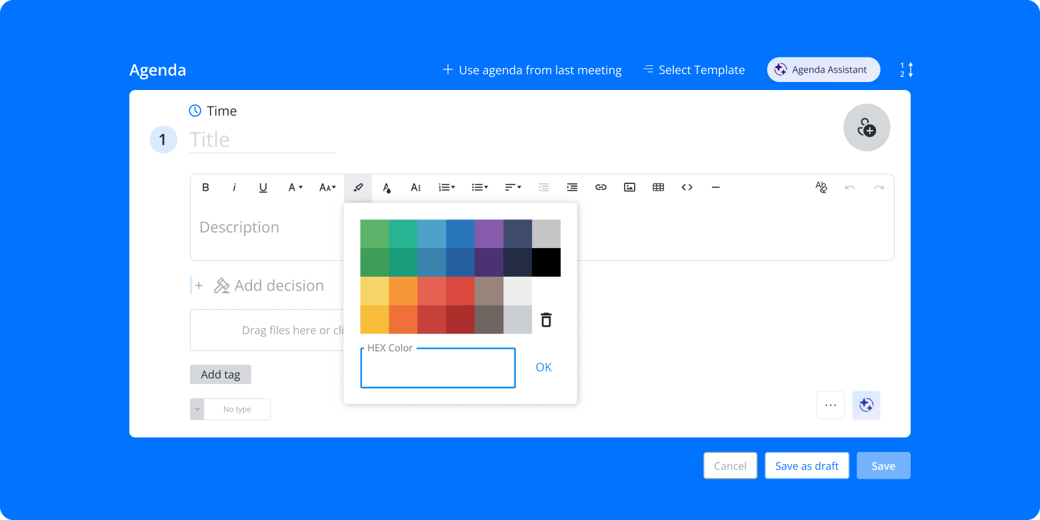
🔍 Highlight text in your agendas
You asked, we answered. You can now highlight text directly in agenda item descriptions to draw attention to important instructions, reminders or materials. Try it now →
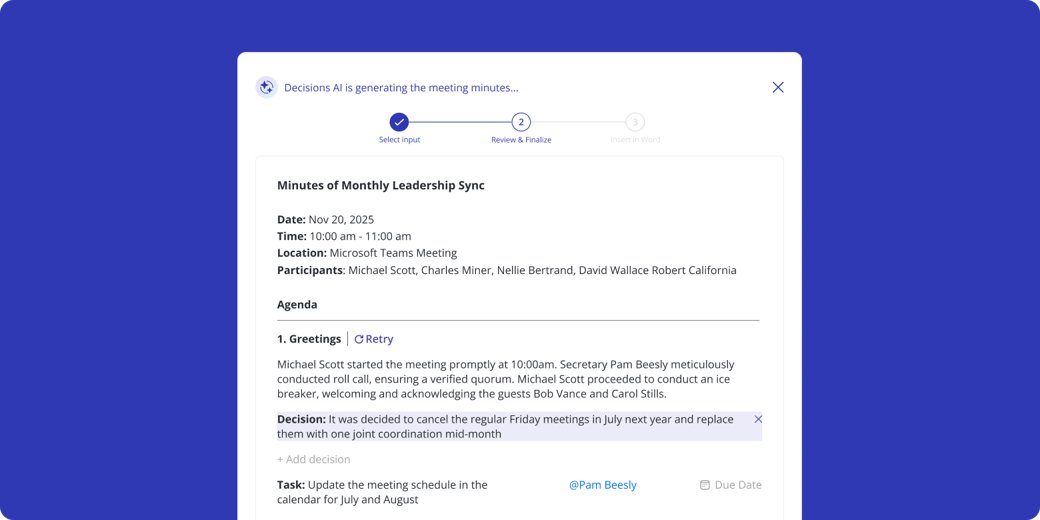
📝 Edit AI minutes before sharing
With this highly-requested update, you can directly edit text, add or remove decisions, and add or remove tasks before exporting AI minutes to Word or OneNote. Try it now →
Refresh your Decisions skills for 2026
Want to sharpen your skills and hit the ground running in 2026? Our on-demand webinar helps you get the most out of Decisions — whether you're just getting started or simply want a refresher.
The session includes:
✨ A walkthrough of key features like AI recaps & minutes

.png?width=1040&upscale=true&name=Webinar%20Teams%20Background%20(3).png)